PC/Mac

The Online Radio Navigation Simulator
For Student Pilots · Instructors · Training Organisations
Practise tracking, intercepts, holding and other procedures with a fully simulated instrument and radio setup - right in your browser.
A much needed tool without the need of using an expensive aircraft or simulator. Highly recommended to all students.
Tom
Chief Flying Instructor · May 2026
As an ex Instrument Rating Instructor I've used many different platforms for radio navigation training. Radio Navigator is by far the best. It's full featured, smart, interactive and makes learning and visualisation SO MUCH EASIER. My IR would have been a lot easier if this was around at the time!!!
Jon
MEIR Instructor · May 2026
If you are wondering if it is worth it, I guarantee it is! It is by far the most comprehensive radio navigation training tool out there. From guided lessons, practical exercises to just flying. If you were in the classroom or in the aircraft wondering how do I do join this hold, intercept this track or how do I correct for this wind, this app is for you!
Livia
IR Renewal · Apr 2026
I used this to practice some raw data before an airline assessment sim, and it was super helpful! Would recommend for any stage of flying!
Sophia
Airline Pilot · May 2026
Genuinely very impressed. All of this for £10 a month?!
Mike
Chief Flying Instructor · Apr 2026
Truly the software I wish I had during my training... The best way to learn and with support from an IR instructor if you need it - absolutely fabulous. I am jealous of anyone who is currently going through the IR and has found this app. All the stress of learning how to hold for the first time in a bumpy aircraft in the middle of summer could have been reduced to nothing with a bit of practice on here.
Megan
Airline Pilot · Mar 2026
The most realistic and up to date training aid I've seen for radio navigation training. Using instrument graphics that actually resemble what you'll see in a modern, glass cockpit.
Toby
GA Pilot · May 2026
A much needed tool without the need of using an expensive aircraft or simulator. Highly recommended to all students.
Tom
Chief Flying Instructor · May 2026
As an ex Instrument Rating Instructor I've used many different platforms for radio navigation training. Radio Navigator is by far the best. It's full featured, smart, interactive and makes learning and visualisation SO MUCH EASIER. My IR would have been a lot easier if this was around at the time!!!
Jon
MEIR Instructor · May 2026
If you are wondering if it is worth it, I guarantee it is! It is by far the most comprehensive radio navigation training tool out there. From guided lessons, practical exercises to just flying. If you were in the classroom or in the aircraft wondering how do I do join this hold, intercept this track or how do I correct for this wind, this app is for you!
Livia
IR Renewal · Apr 2026
I used this to practice some raw data before an airline assessment sim, and it was super helpful! Would recommend for any stage of flying!
Sophia
Airline Pilot · May 2026
Genuinely very impressed. All of this for £10 a month?!
Mike
Chief Flying Instructor · Apr 2026
Truly the software I wish I had during my training... The best way to learn and with support from an IR instructor if you need it - absolutely fabulous. I am jealous of anyone who is currently going through the IR and has found this app. All the stress of learning how to hold for the first time in a bumpy aircraft in the middle of summer could have been reduced to nothing with a bit of practice on here.
Megan
Airline Pilot · Mar 2026
The most realistic and up to date training aid I've seen for radio navigation training. Using instrument graphics that actually resemble what you'll see in a modern, glass cockpit.
Toby
GA Pilot · May 2026
A much needed tool without the need of using an expensive aircraft or simulator. Highly recommended to all students.
Tom
Chief Flying Instructor · May 2026
As an ex Instrument Rating Instructor I've used many different platforms for radio navigation training. Radio Navigator is by far the best. It's full featured, smart, interactive and makes learning and visualisation SO MUCH EASIER. My IR would have been a lot easier if this was around at the time!!!
Jon
MEIR Instructor · May 2026
If you are wondering if it is worth it, I guarantee it is! It is by far the most comprehensive radio navigation training tool out there. From guided lessons, practical exercises to just flying. If you were in the classroom or in the aircraft wondering how do I do join this hold, intercept this track or how do I correct for this wind, this app is for you!
Livia
IR Renewal · Apr 2026
I used this to practice some raw data before an airline assessment sim, and it was super helpful! Would recommend for any stage of flying!
Sophia
Airline Pilot · May 2026
Genuinely very impressed. All of this for £10 a month?!
Mike
Chief Flying Instructor · Apr 2026
Truly the software I wish I had during my training... The best way to learn and with support from an IR instructor if you need it - absolutely fabulous. I am jealous of anyone who is currently going through the IR and has found this app. All the stress of learning how to hold for the first time in a bumpy aircraft in the middle of summer could have been reduced to nothing with a bit of practice on here.
Megan
Airline Pilot · Mar 2026
The most realistic and up to date training aid I've seen for radio navigation training. Using instrument graphics that actually resemble what you'll see in a modern, glass cockpit.
Toby
GA Pilot · May 2026
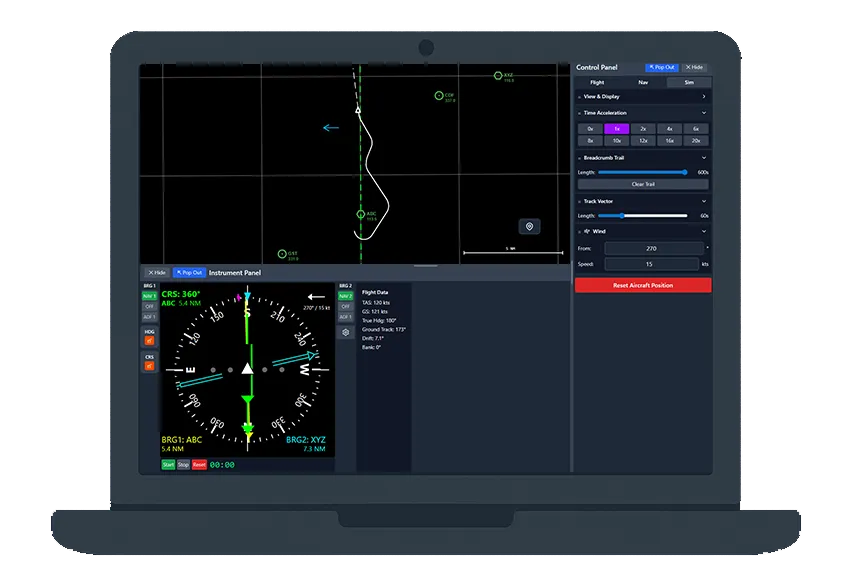
Fully simulated instrument and radio set-up for use with free flight, scenario based training and guided lessons.
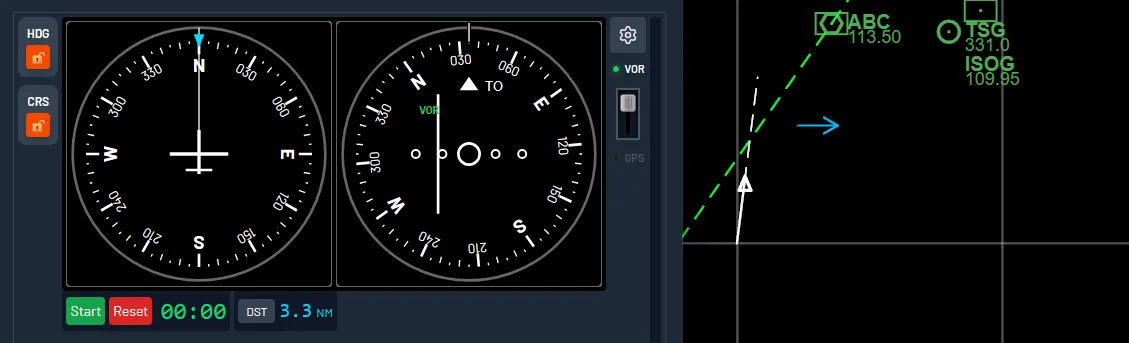
A customisable instrument panel: HSI, DI, OBS and RBI. Tap or drag to set heading and course. Works equally well with mouse or touch.
Train with the instruments that match your cockpit.
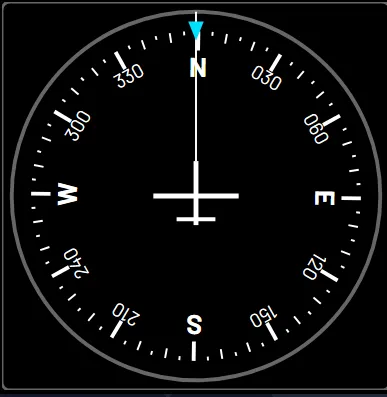 DI
DI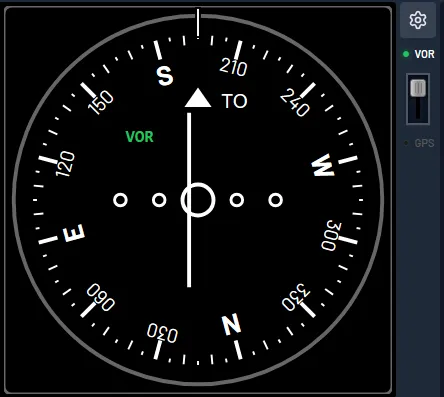 OBS
OBS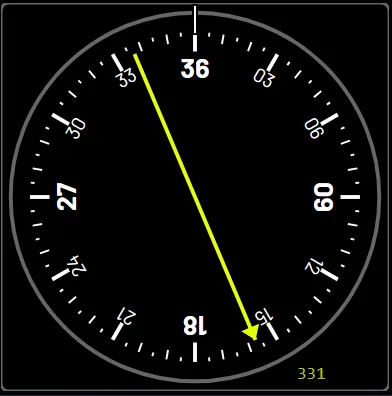 RBI
RBIScenario-based trainers with live guidance and an automatic debrief at the end of every run.
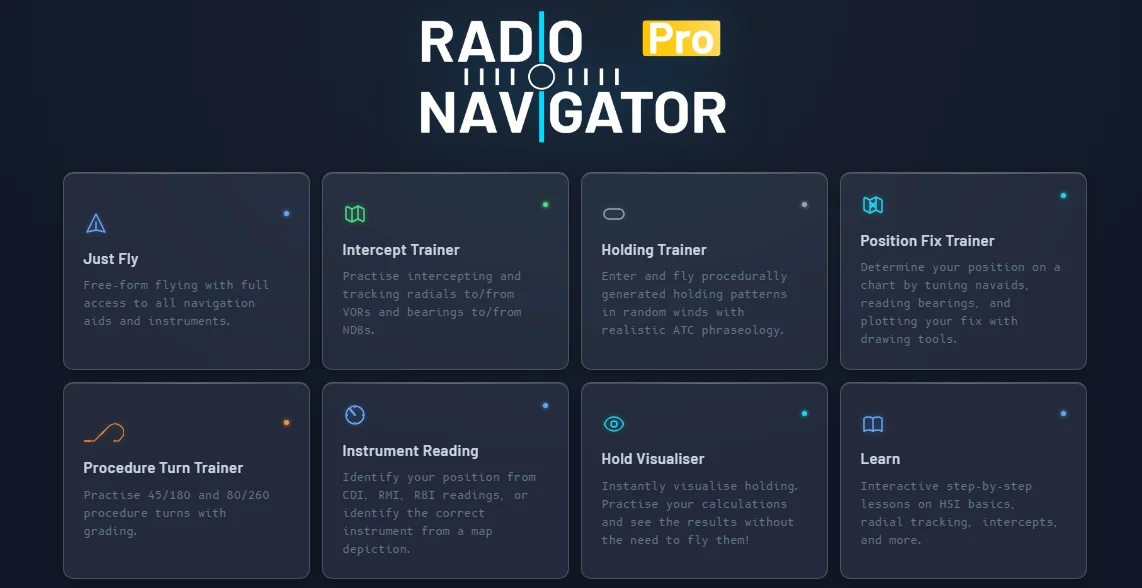
Intercept, Holding, Position Fix and Procedure Turn trainers.
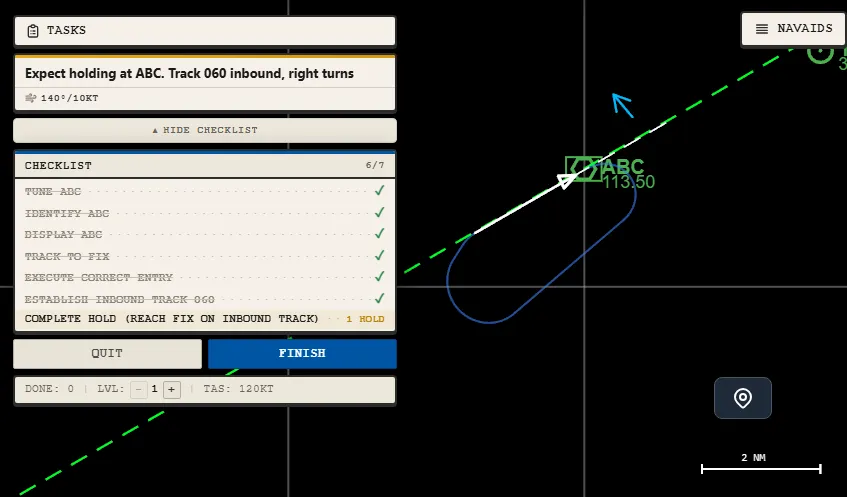
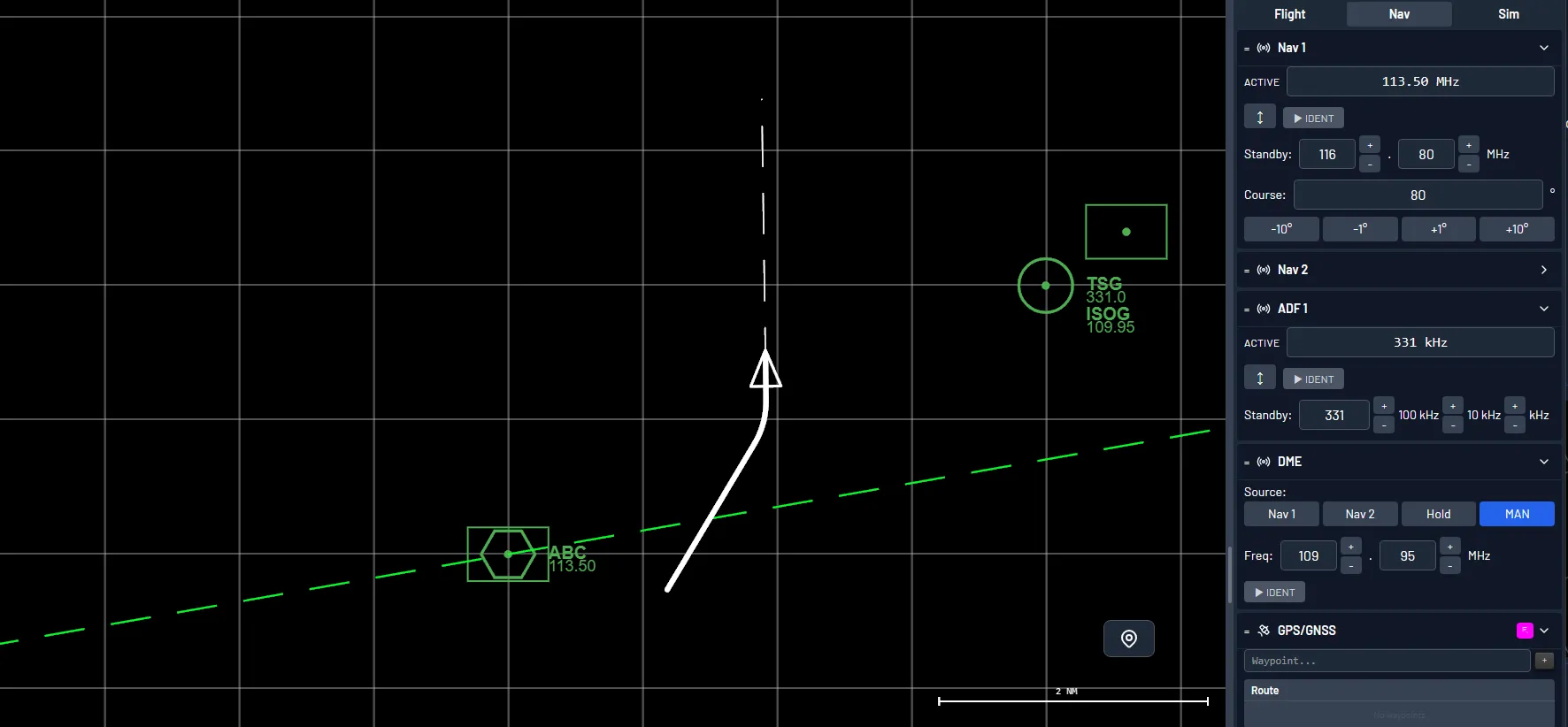
Practise Selecting, Tuning, Identifying and Displaying with realistic VOR, NDB and DME.
Full navigation radio setup with morse ident and simulated GNSS receiver
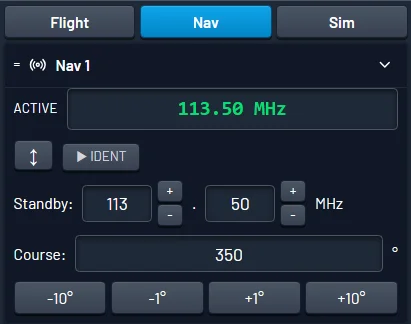 NAV 1
NAV 1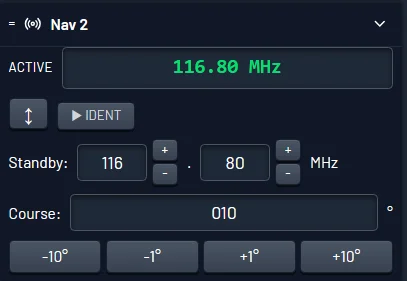 NAV 2
NAV 2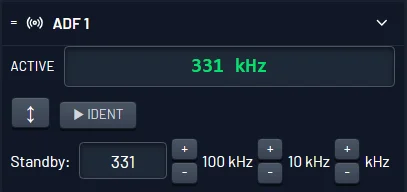 ADF
ADF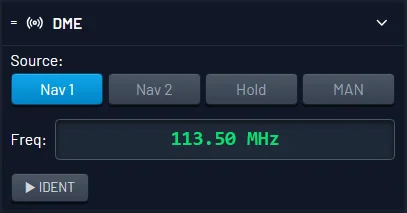 DME
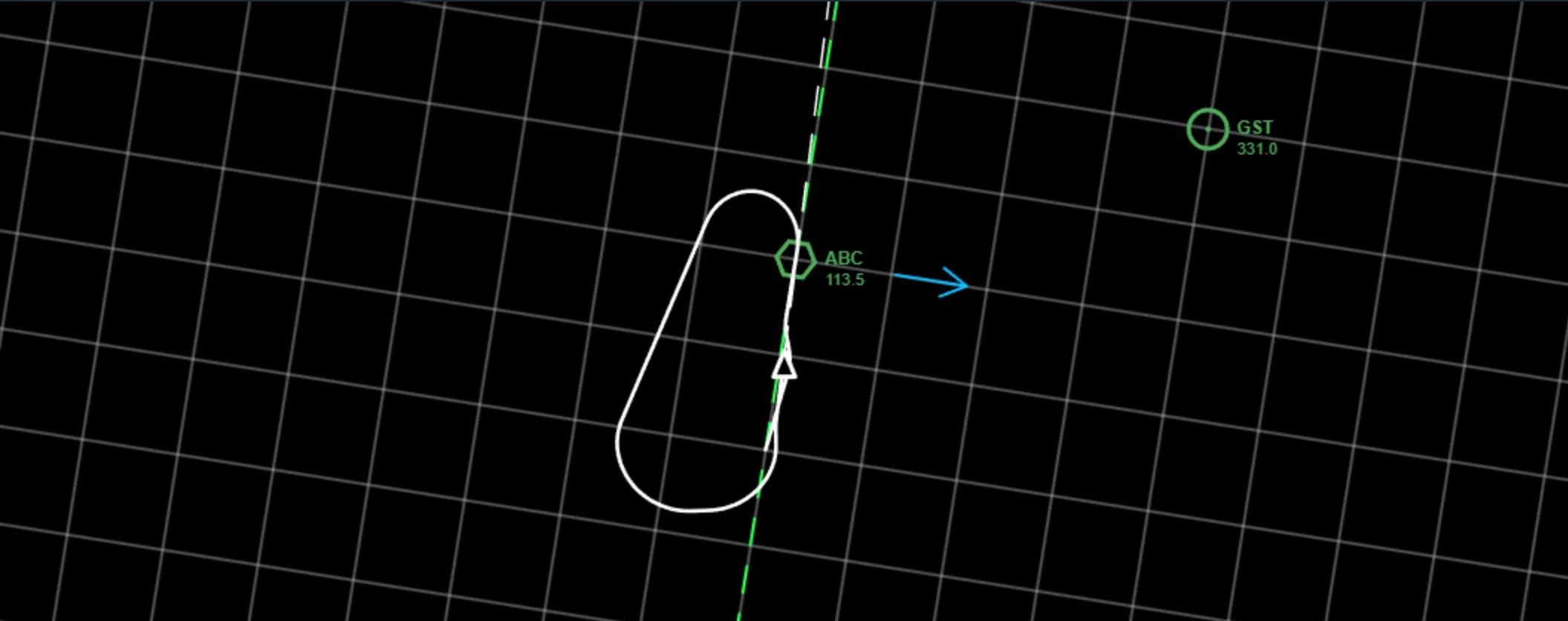
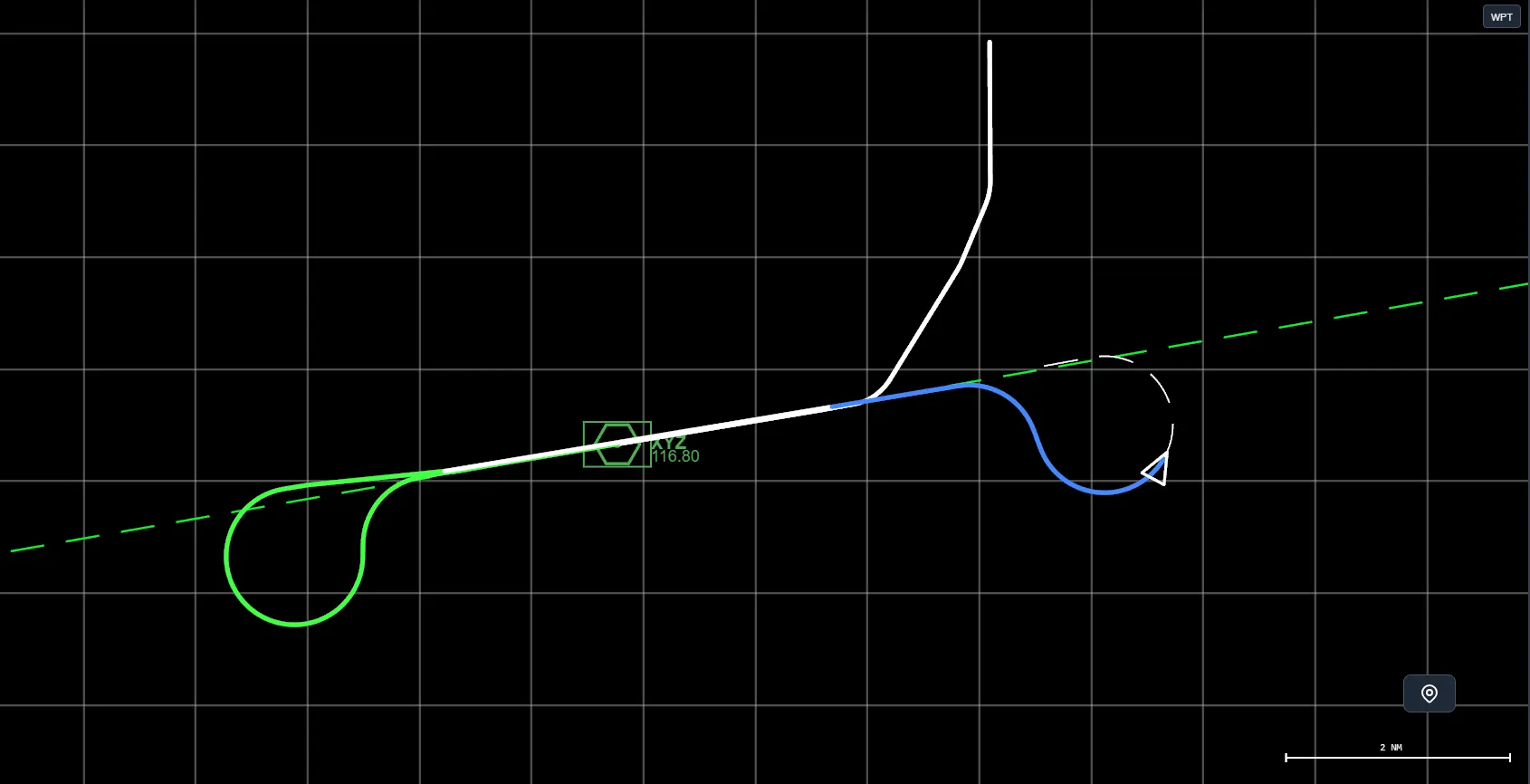
DMEMoving map with breadcrumb trail, wind vector, and selected course overlays. Review your procedures, learn to visualise radio navigation and put the instruments into context.
Wind affects track and groundspeed exactly as it does in the aircraft. Practise drift correction until it's second nature - for tracking, intercepting, holding and more.
Speed up simulation up to 20x with a functioning stopwatch.
No more waiting, speed up time and get to the good part.
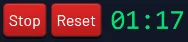 Stopwatch
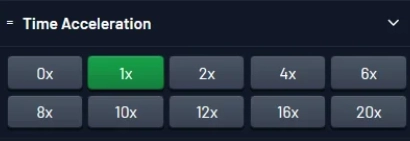 Time Accel
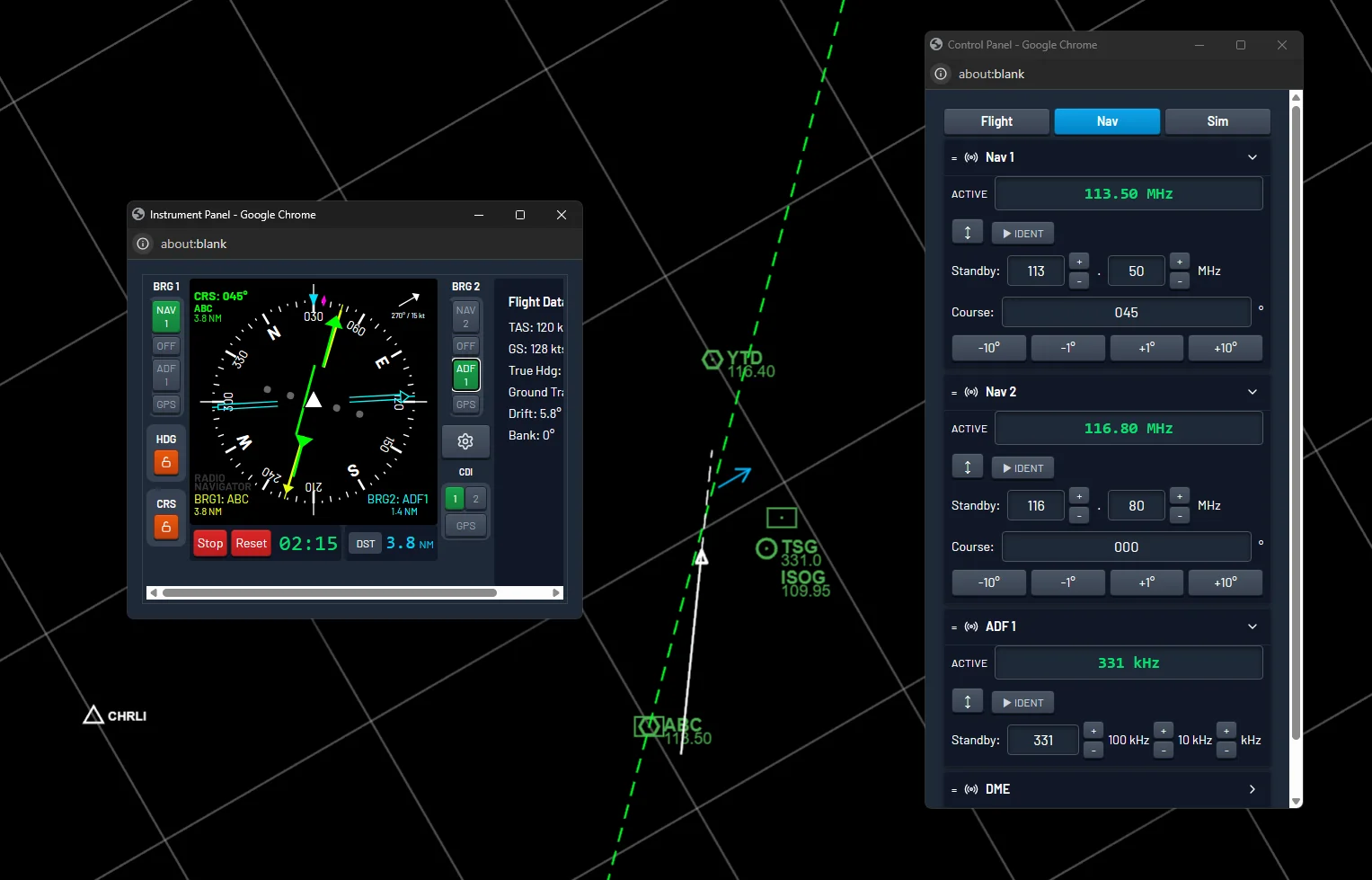
Make it your own. Multi-monitor support with pop-out instrument and control panels.
Spread your cockpit across as many screens as you like.
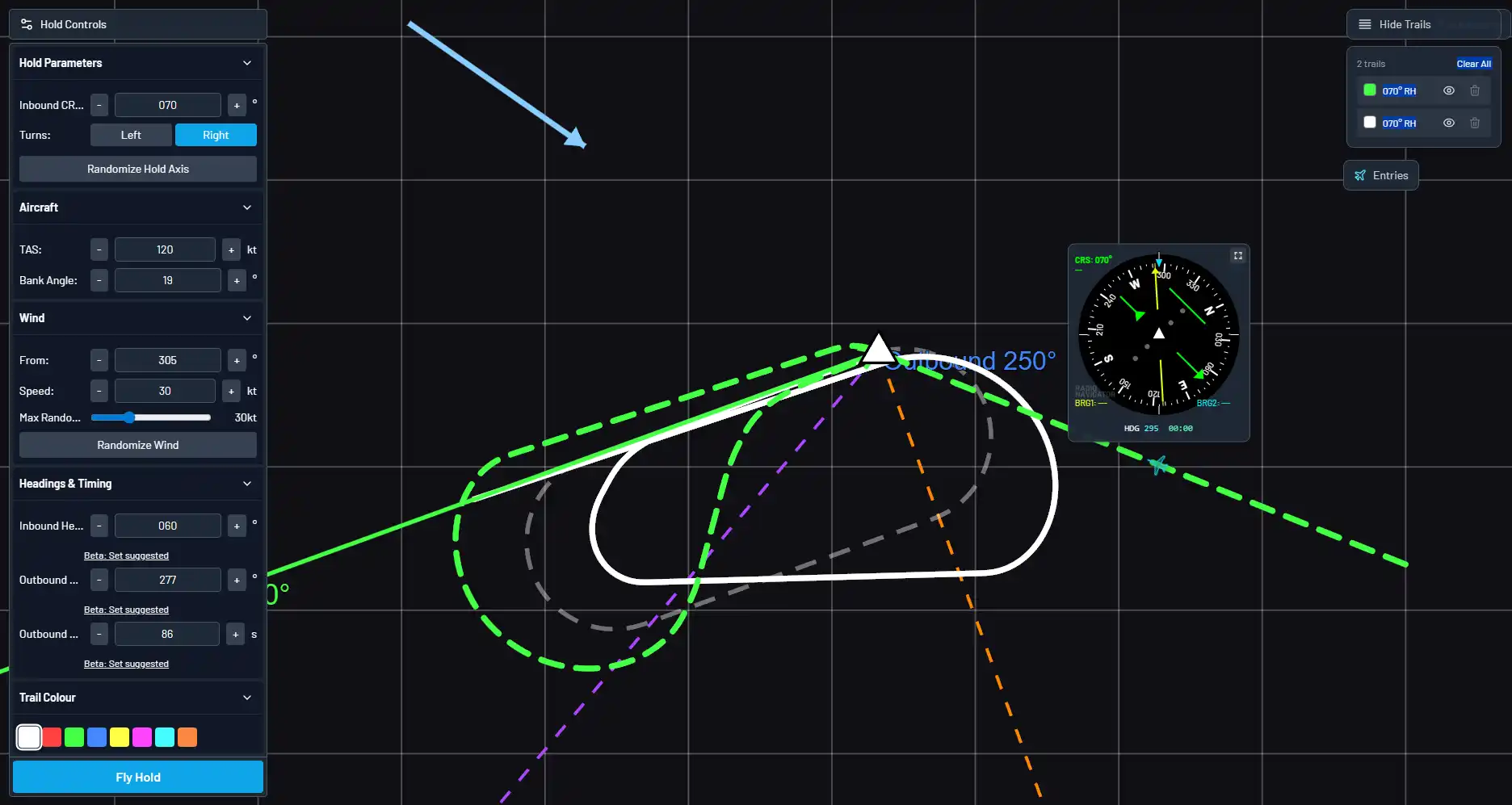
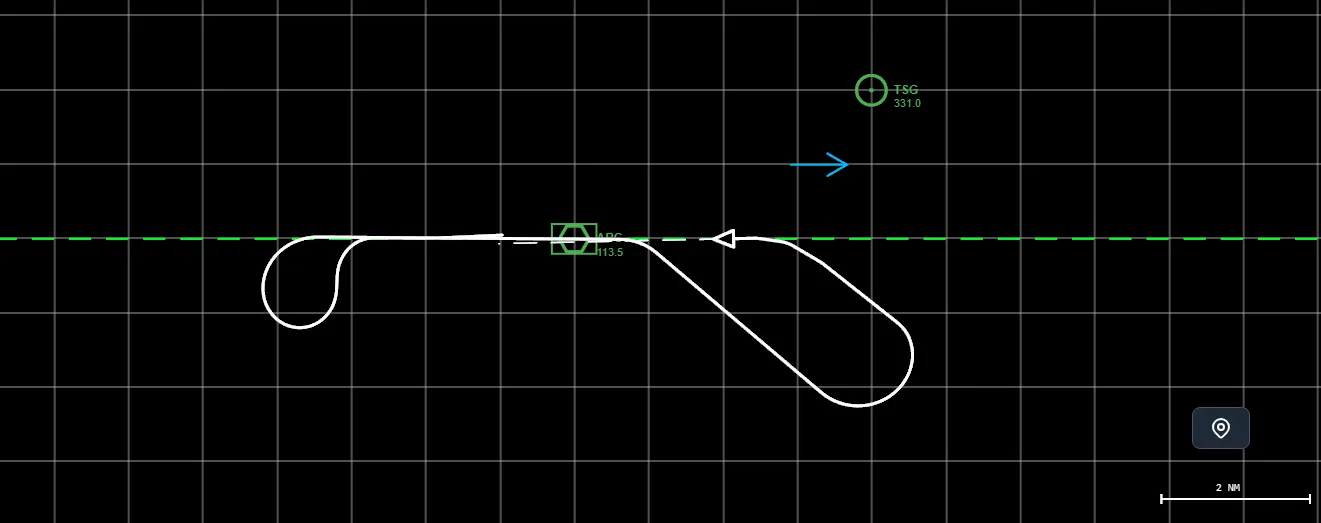
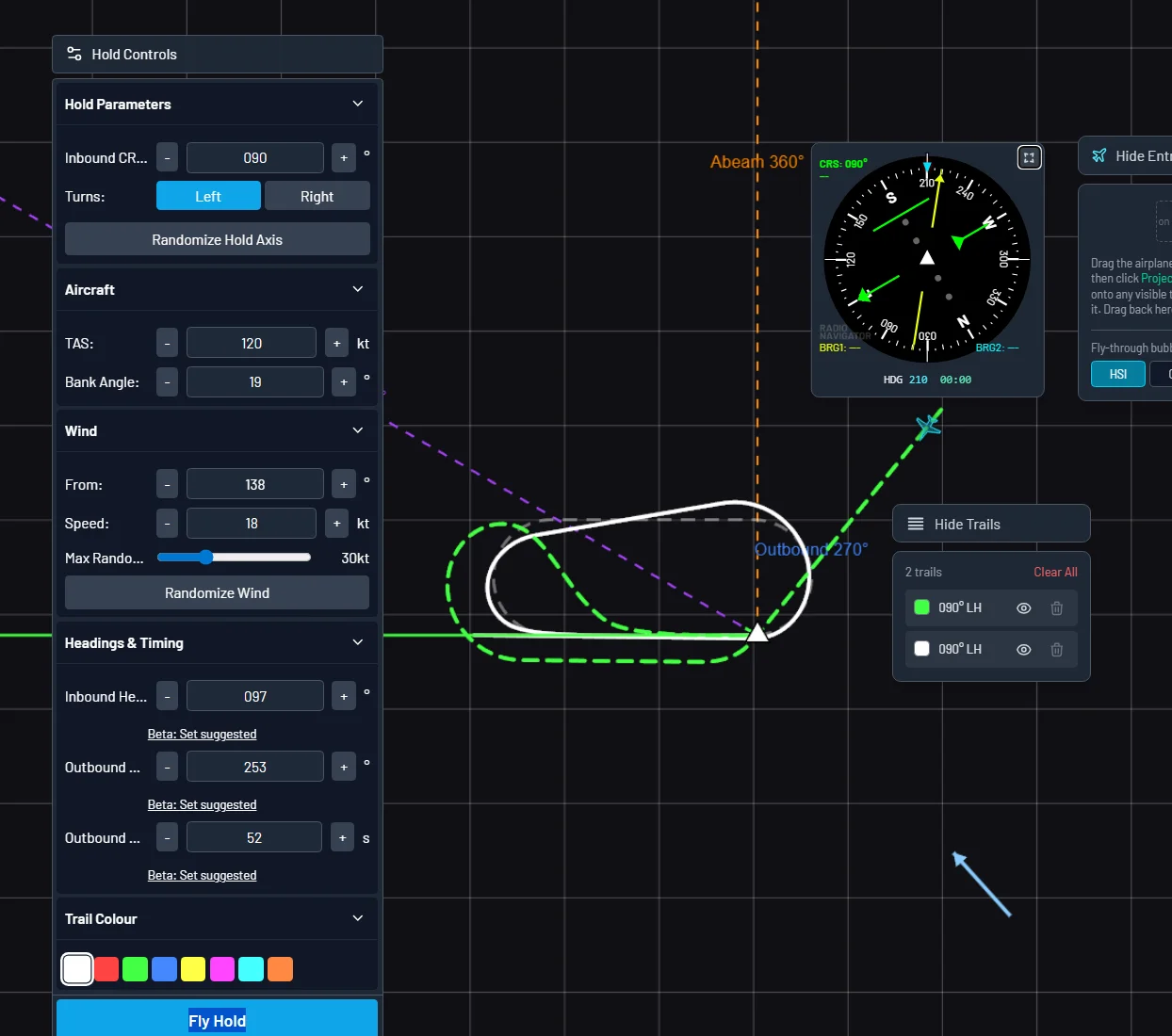
Instantly visualise holding patterns and entries. Input any hold parameters and wind, perfect for practising your calculations. Use the "fly-through" feature to see instrument presentation at any point in the holds.
Visualise any hold with wind correction at a glance.
Built by a flight instructor & airline pilot
Learn radio navigation the best way, for a fraction of the cost of a flying lesson.
Whether you're learning, teaching or managing training, Radio Navigator works for you.
Requires an instructor licence. Contact us for details.
Your personal Radio Navigation trainer
Requires an organisational licence. Contact us for details.
Access from any device with a web browser. Touch and mouse friendly.
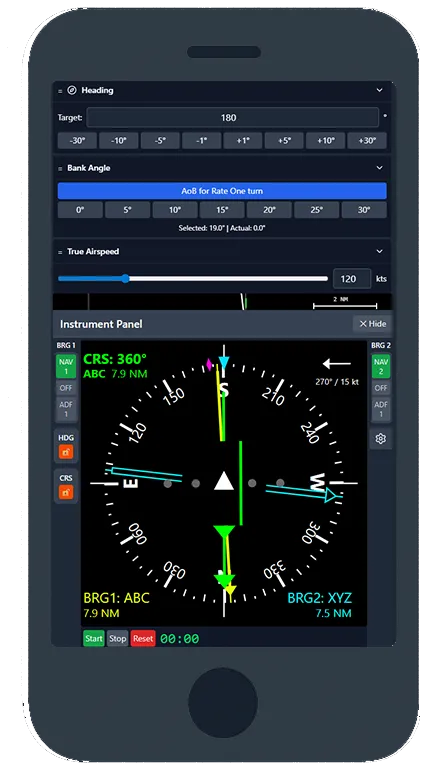
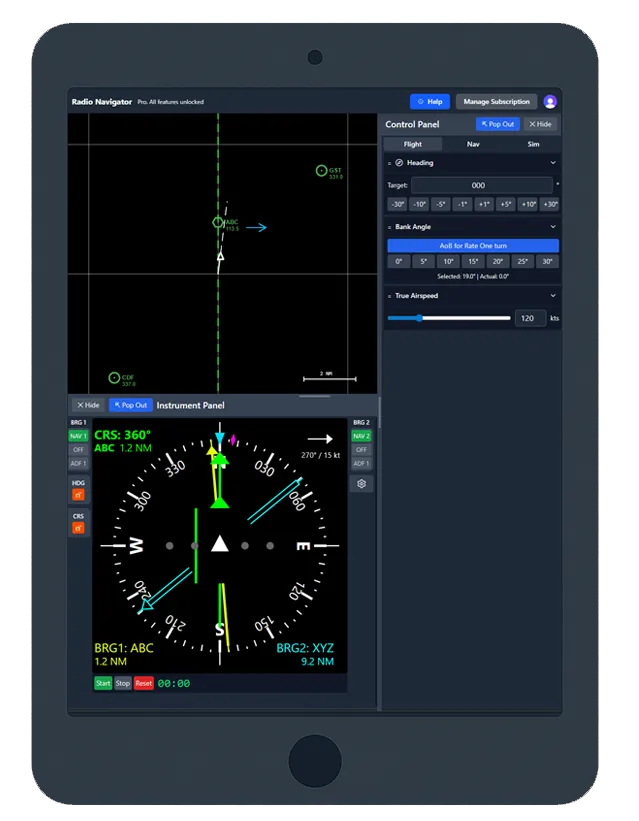
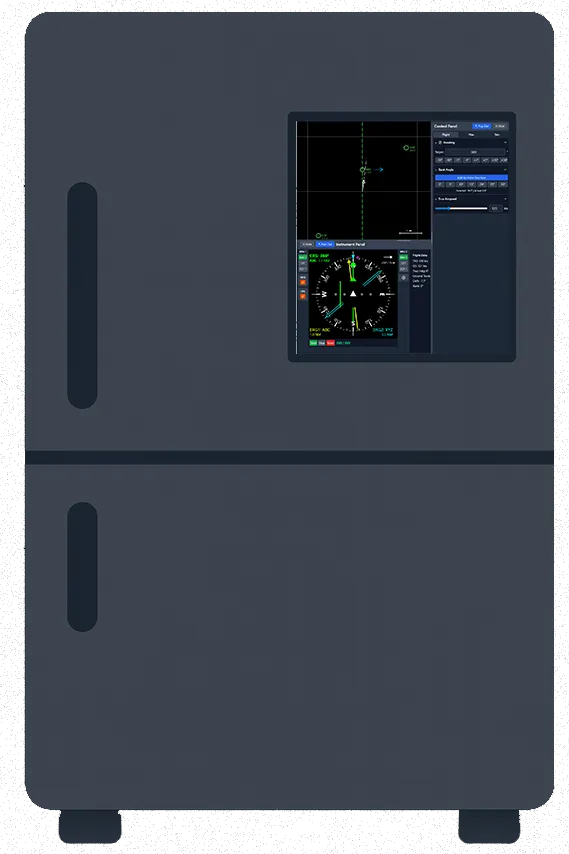
This one's a joke, but please send us a picture if you try it!
Enough to practise the basics
Monthly pricing, see upgrade page
The complete radio navigation setup.
1-day free trial
Try the free simulator, or start a 1-day free trial of Pro.
Articles
Guidance on what you can practice in the sim.